
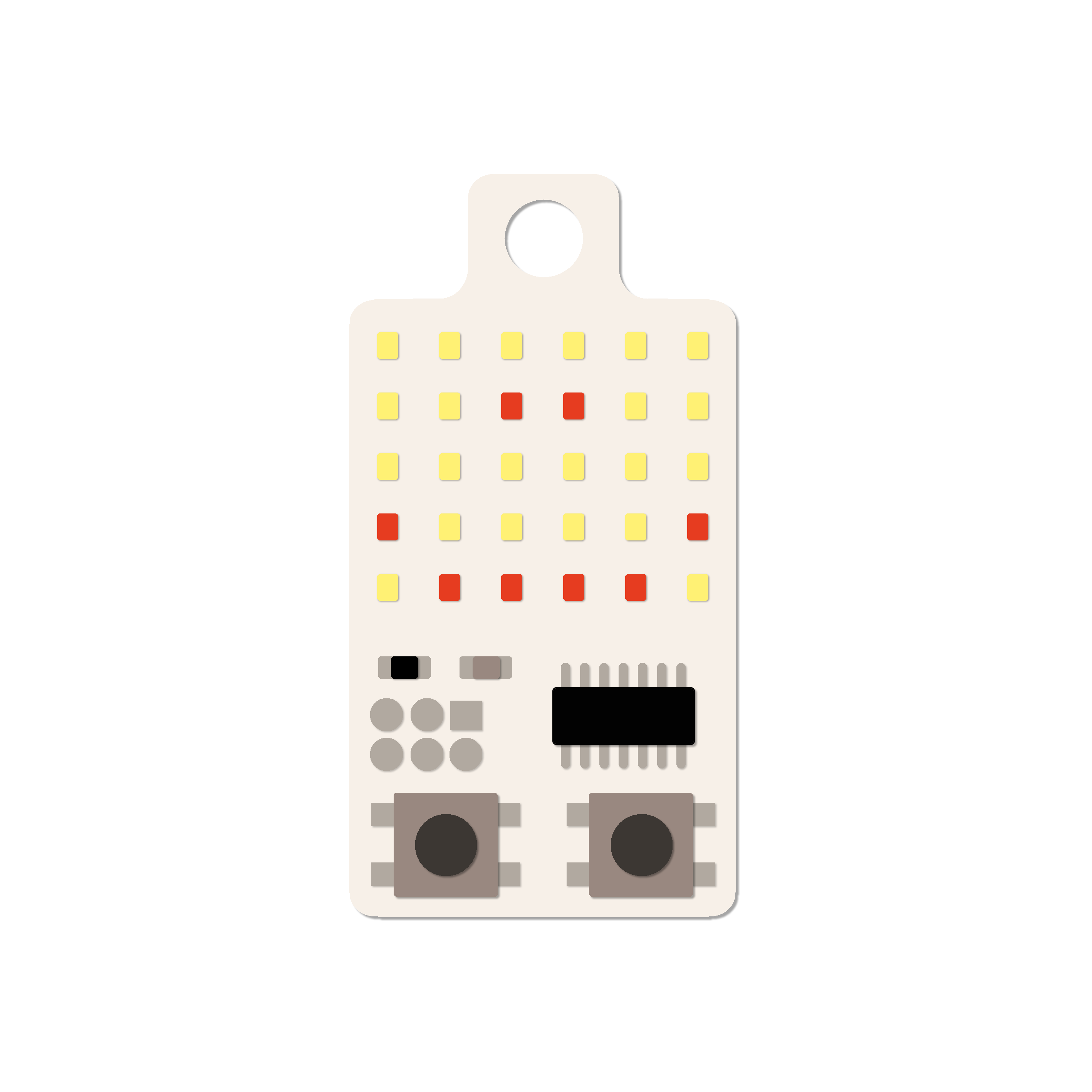
144 Real LEDs. Not a Screen. 17 Games Built In.
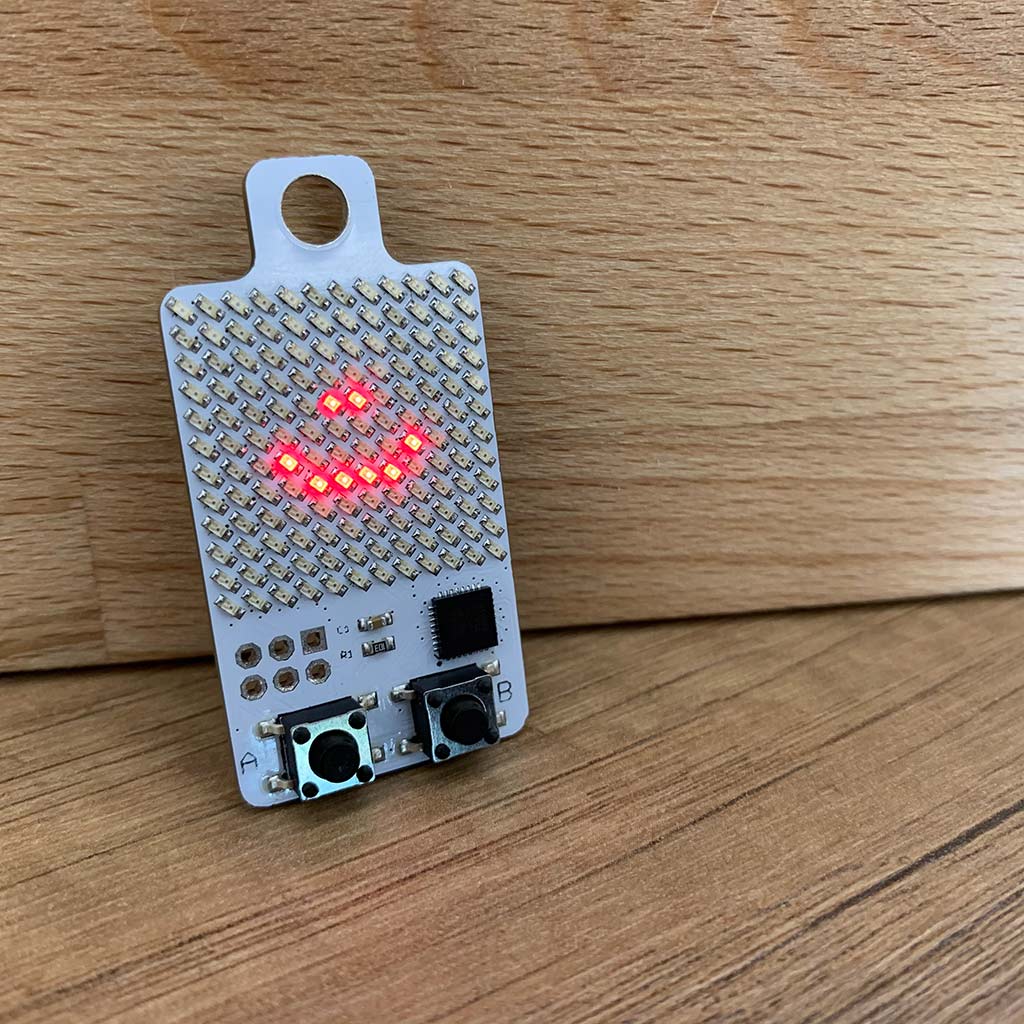
This Is the Actual Device — Play It Right Here
This is the real KeyChainino 144 firmware, running right here in your browser — the same 17 games, the same icon menu, the same two-button controls as the real keychain. Pick a game, press play, and see what a 12×12 LED matrix can do.
144 Real LEDs. That’s the Whole Point.
The KeyChainino 144 doesn’t have a display — it has a 12×12 grid of 144 real LEDs, charlieplexed down to just 13 pins. We rewrote the driver from scratch for this firmware, so every LED sits at one of three honest brightness levels: off, dim, or bright. Backgrounds sit dim, the action sits bright, and the whole matrix keeps its own distinct, granular glow.
It’s not a screen — that’s the charm of it.
17 Games. One Icon Menu.
Bricks, Snake, Blocks, Invaders, Tennis, Tower, Frog, Flap, Racer, Echo, Jump, Catch, Whack, Dice, Life, Muncher and Steroids — all seventeen ship built in, ready to play the moment it arrives. Browse them from an icon menu with two buttons, and each game remembers your own best score, saved right on the device.
Where It Started
A few years ago I was waiting for a bus, fidgeting with my keys, and I thought: what if there was something fun built right into them? That’s how KeyChainino started — a tiny device to play with in boring moments, built around the Arduino platform I already loved.
The first version was a tiny 6×5 grid of 30 LEDs — no LCD, just charlieplexed LEDs and one simple Arkanoid-style game. From there it grew: KeyChainino V3 doubled the matrix to 64 LEDs, and today’s KeyChainino 144 drives a full 12×12 grid of 144 real LEDs, all on the same Arduino-compatible platform this project has always run on.
The 144 now ships with 17 full games built in, a menu to pick between them, and its own saved high score for each one — no reprogramming required. And because I still believe in the original idea, the firmware stays fully open source: if you want to dig in, change a game, or write your own, the same Arduino IDE and ISP guide that built this thing are right there for you.
— Alessandro Matera
See what Adafruit, Atmel, Geeky Gadgets and others say about KeyChainino!
P.S. If your game is really cool, send it to me and I will publish it with your credits!
Last blog articles
How I have increased the battery life of my Arduino project by 3000%
Yeah, I'm not kidding! What I'm about to tell you will increase by 3000% the battery life of your Arduino project if you are using LEDs. I want to give you an example: If you turn ON a lamp it will consume tot watts - for example 100 Watts. Now, if you turn ON your...
[TUTORIAL] How to make the WALLED game step by step – Part 2
In the previous tutorial we learned how to make the "man" of the WALLED game and how to move it. Today we start to build the descending walls and its gates that will be crossed by our man! Let's start inserting the walls variable. Step 1: Make the walls First we...
![[TUTORIAL] How to make the WALLED game step by step – Part 1](https://www.keychainino.com/wp-content/uploads/2016/01/Screen-Shot-2016-01-03-at-16.17.26.png)
[TUTORIAL] How to make the WALLED game step by step – Part 1
Making a Game for KeyChainino is really easy. To prove that, I decided to realize a tutorial to design the WALLED game step by step in a really easy way. The goal of this game is to move the "man" (a dot) inside the walls's gates that coming down from the top of the...