
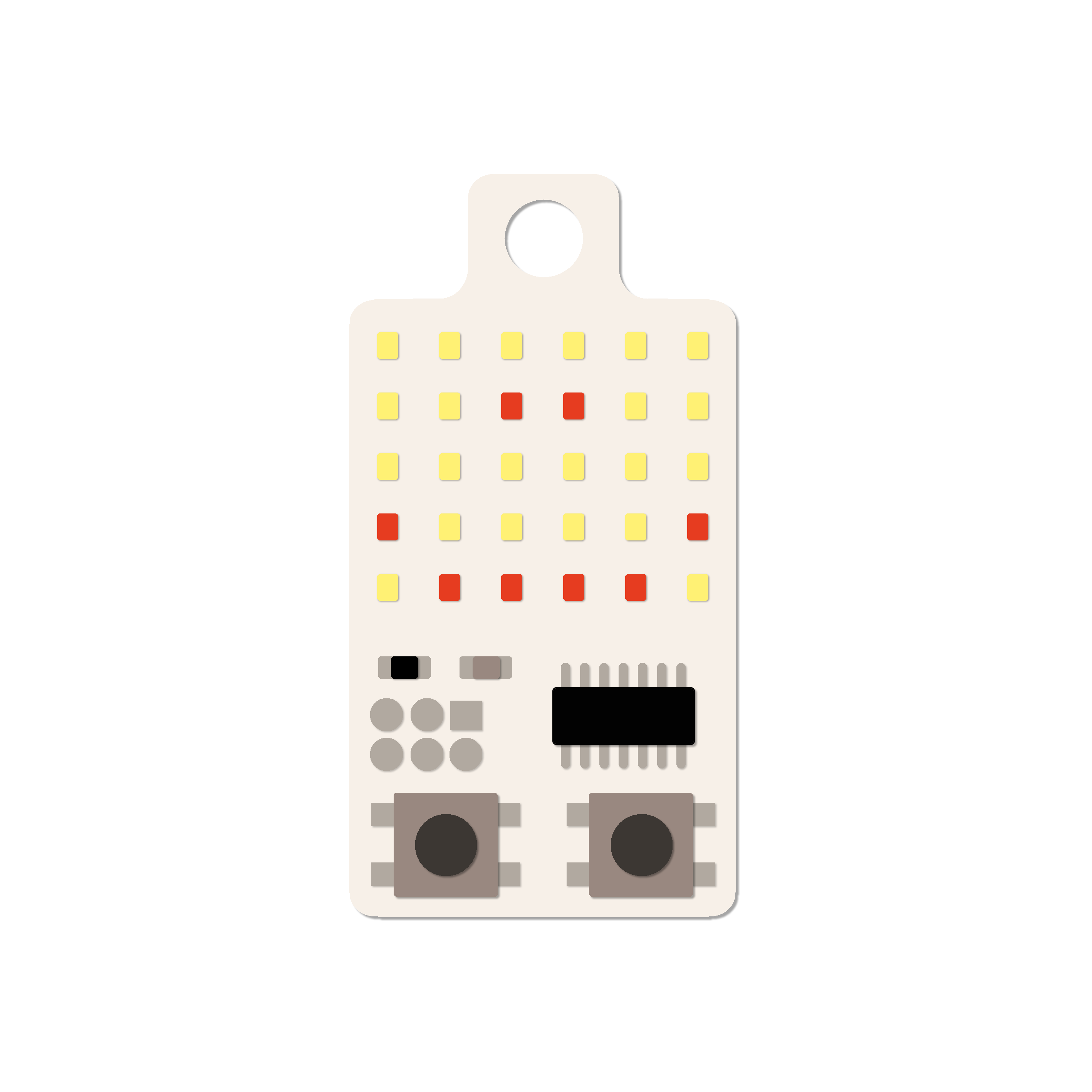
KeyChainino is the first retro gaming keychain, also programmable with Arduino.
Hello, I’m Alessandro Matera, the Italian guy who bring KeyChainino alive.
Few months ago while I was waiting for the bus, I realized that I was just playing with my keys. So I had the idea to make something to play with in boring moments.
Something simple. Just for relax. A tiny device to play with.
A device made with Arduino programmable microcontroller, in a way that anyone could make his own game.
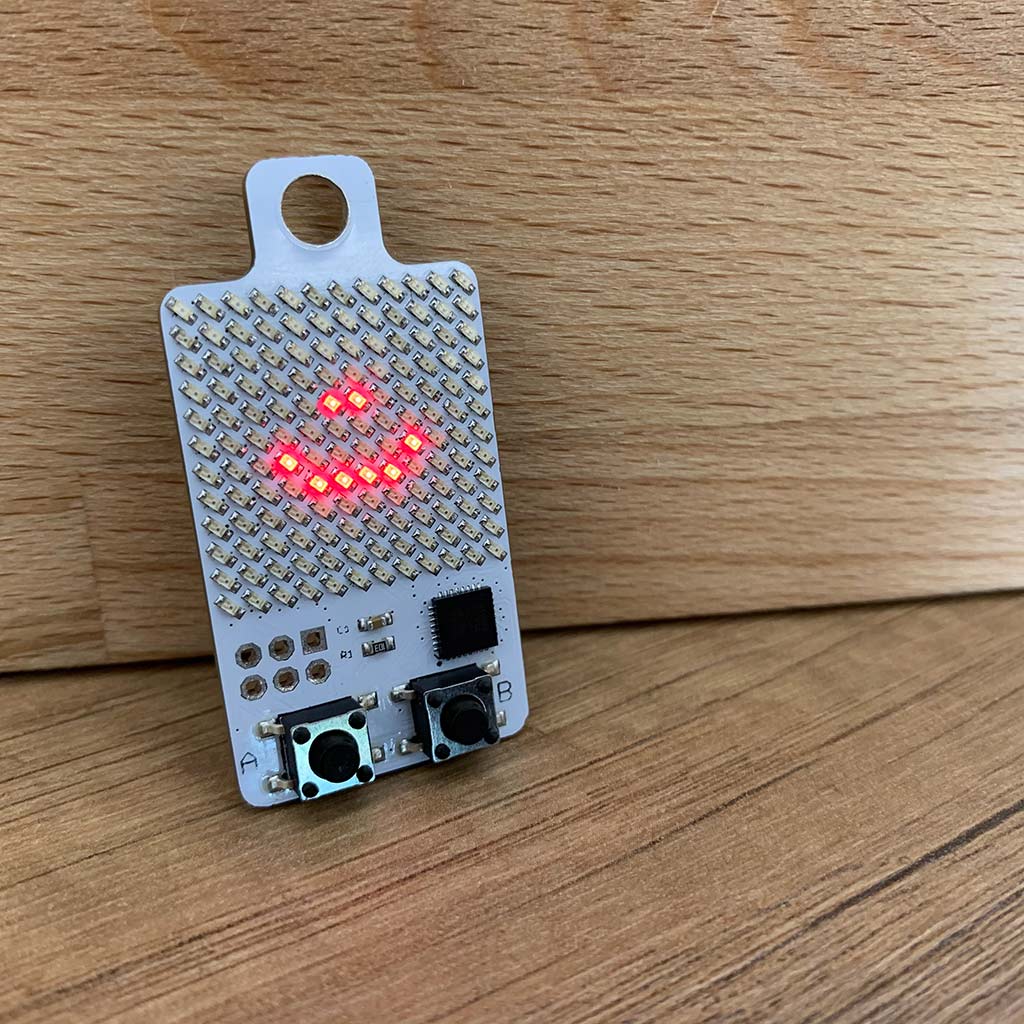
Without LCDs, just with fashioned style LEDs!
With this idea in my mind, I worked to a tiny device powered by the Atmel Attiny84 (now Microchip) that controls a 6×5 LEDs Matrix.
The Attiny84 doesn’t have so many pins to drive all the 30 LEDs, so I used the Charlieplaxing technique to drive this matrix. But don’t worry about it! I’ve created a simple function to drive all the LEDs in a easy-peasy way.
Next I created my first game: a simple Arkanoid game (a pong-like style), where a ball just bounce on the screen and you need to move the paddle with the two buttons, to prevents the ball from falling out of the playing field.
After that I created another version (KeyChainino V3) that has 64 LEDs driven by Atmega328, and now I build the 144 version (KeyChainino 144), that has 144 LEDs!. This version has the arkanoid game pre-uploaded and, if you want to create your own game, or you want to change it, you can hack it following this guide.
See what Adafruit, Atmel, Geeky Gadgets and others say about KeyChainino!
P.S. If your game is really cool, send it to me and I will publish it with your credits!
Last blog articles
How I have increased the battery life of my Arduino project by 3000%
Yeah, I'm not kidding! What I'm about to tell you will increase by 3000% the battery life of your Arduino project if you are using LEDs. I want to give you an example: If you turn ON a lamp it will consume tot watts - for example 100 Watts. Now, if you turn ON your...
[TUTORIAL] How to make the WALLED game step by step – Part 2
In the previous tutorial we learned how to make the "man" of the WALLED game and how to move it. Today we start to build the descending walls and its gates that will be crossed by our man! Let's start inserting the walls variable. Step 1: Make the walls First we...
![[TUTORIAL] How to make the WALLED game step by step – Part 1](https://www.keychainino.com/wp-content/uploads/2016/01/Screen-Shot-2016-01-03-at-16.17.26.png)
[TUTORIAL] How to make the WALLED game step by step – Part 1
Making a Game for KeyChainino is really easy. To prove that, I decided to realize a tutorial to design the WALLED game step by step in a really easy way. The goal of this game is to move the "man" (a dot) inside the walls's gates that coming down from the top of the...